
Settings is the administration area for connections, metadata, synchronization, backups, diagnostics, and maintenance.
Each top-level Settings group has its own guide. Open a group below, then use the right-hand page outline to jump between the sections on that page.
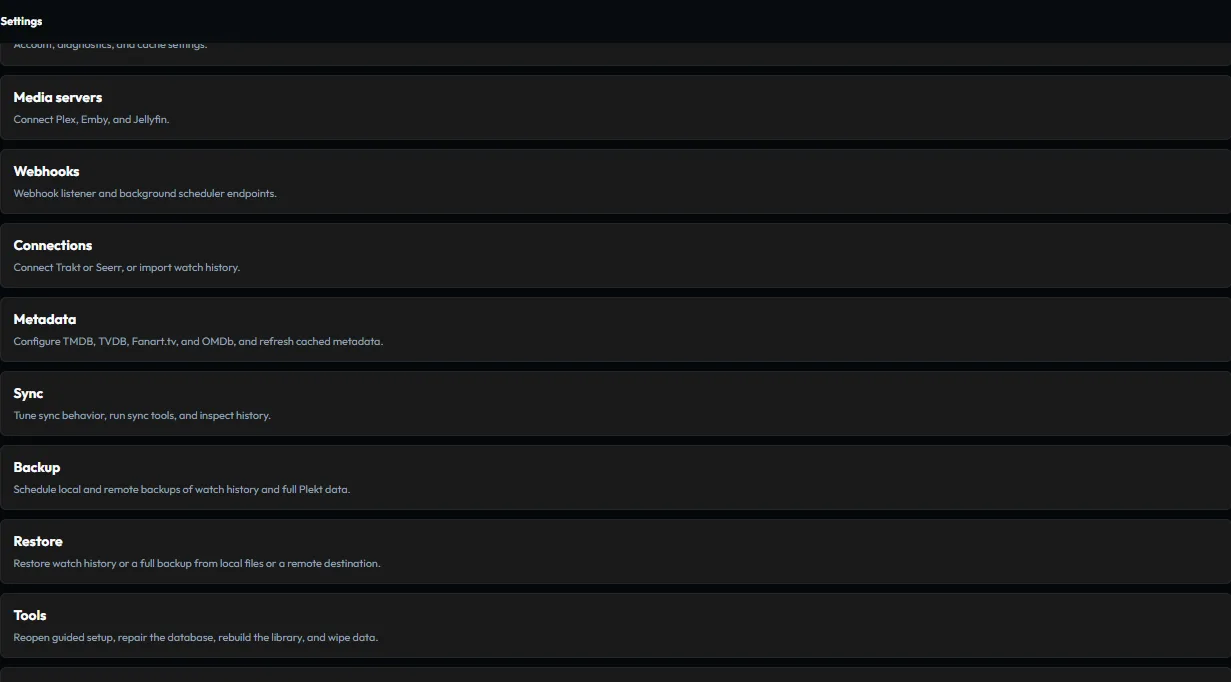
Settings map
| Group | App path | Guide focus |
|---|---|---|
| General | /settings/general |
Account access and local instance health |
| Media servers | /settings/media-servers |
Plex, Emby, and Jellyfin connections |
| Webhooks | /settings/webhooks |
Sender setup and webhook secret handling |
| Connections | /settings/connections |
Trakt, Tautulli, and Seerr integrations |
| Metadata | /settings/metadata |
Provider configuration and refresh operations |
| Sync | /settings/sync |
Tuning, watched-state repairs, personal rating/Watchlist sync, issues, and sync history |
| Backup | /settings/backup |
Local and remote backup workflows |
| Restore | /settings/restore |
Local and remote restore workflows |
| Tools | /settings/tools |
Setup, repairs, Watch-State Aliases, rebuilds, and wipe controls |
| Logs | /settings/logs |
Server diagnostics and log review |
| About | /settings/about |
Installed app details and project links |
| Changelog | /settings/changelog |
In-app release history and channel builds |
Under Tools → Watch-State Aliases, review episode watch states stored by title or conflicting with a show’s newer state. The Dismissed list can restore entries for review. The version control opens the Changelog on Main for stable installs and on Alpha for alpha and develop builds.
Working in Settings
Make one change at a time. Wait for the save or operation status to finish, then verify the result in the affected app view or in Sync Activity.
For destructive maintenance and recovery actions, create a backup first and review the operation scope before confirming it. Use Troubleshooting when a setting, connection, or maintenance operation does not behave as expected.