
About shows the installed release and project links. The current Plekt release baseline is v1.2.0. Use the installed version when checking which build is running after an upgrade or restore. For behavior changes, use the in-app Changelog guide or the public Changelog.
Installed release
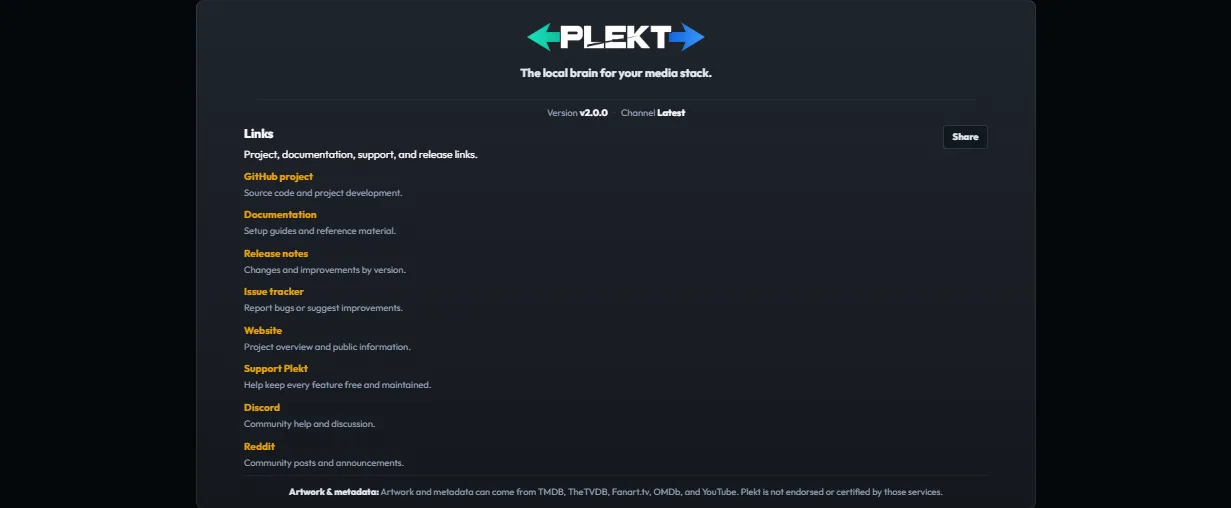
Use the installed version to confirm which build is running after an upgrade or restore. Keep runtime version details out of public screenshots and issue reports when the instance is self-hosted.
Open the Changelog
Click the version button in the bottom-left corner of the app (for example, v1.2.0). Plekt opens Settings → Changelog, where the installed release, newer published releases, and available Alpha channel builds are shown. The Check for updates action refreshes the release data; reading it never changes the installed version.
For the same release notes outside the app, open the public Changelog. For symptom-first help, start with Troubleshooting.